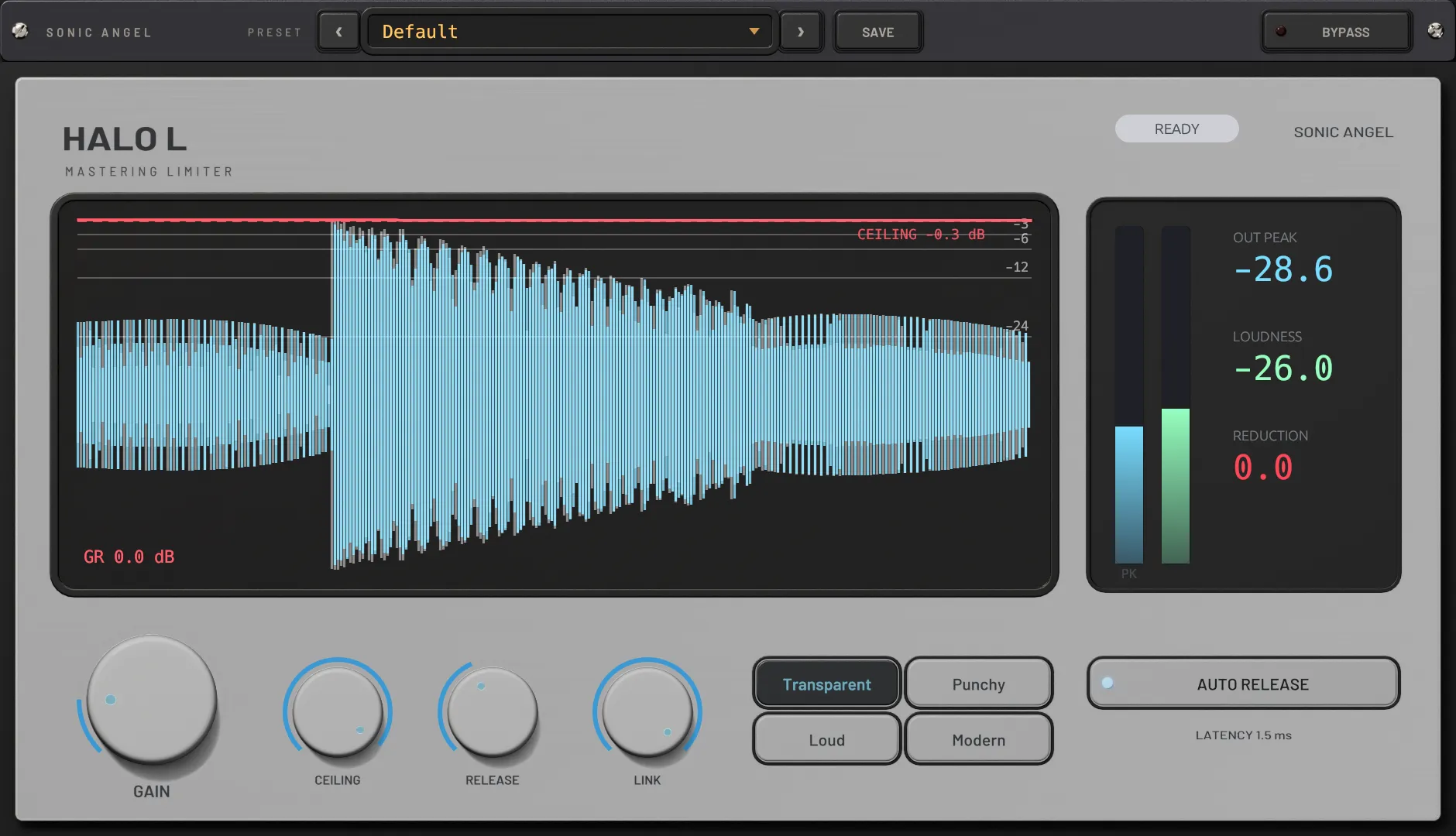
Halo L
$13.99Mastering limiter
Loud, clean masters with a view of every peak.
Play it live
4-band multiband compressor
Four bands. One clear picture.
$13.99, or all 25 plugins for $119 in the bundle. VST3, AU, CLAP · macOS & Windows
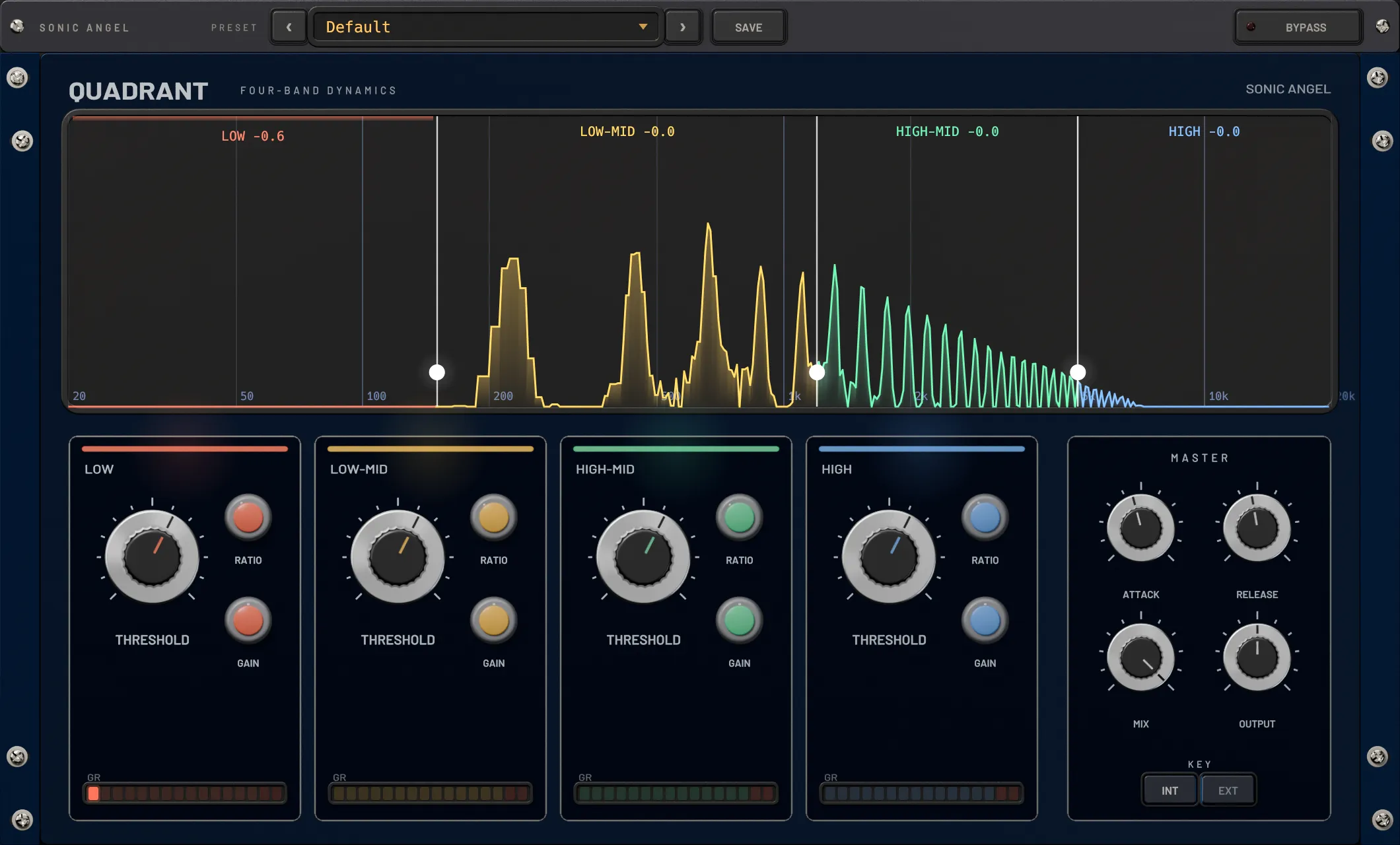
This is the real Quadrant, running in your browser: same sound, same presets.
Multiband dynamics with the whole spectrum laid out in front of you.
Split the signal into four bands with crossovers you drag right on the analyser, then give each band its own threshold, ratio and gain. Tame boomy lows, smooth harsh mids, or glue a full mix without the pumping of a single-band compressor.
See the install guide for where each format goes.
| Control | Range | Default |
|---|---|---|
| Low Split | 40 Hz to 1 kHz | 150 Hz |
| Mid Split | 300 Hz to 5 kHz | 1.2 kHz |
| High Split | 2 kHz to 16 kHz | 5 kHz |
| Low Threshold | -60 dB to 0 dB | -24 dB |
| Low Ratio | 1:1 to 20:1 | 3:1 |
| Low Gain | -12 dB to +12 dB | 0 dB |
| Low-Mid Threshold | -60 dB to 0 dB | -24 dB |
| Low-Mid Ratio | 1:1 to 20:1 | 2.5:1 |
| Low-Mid Gain | -12 dB to +12 dB | 0 dB |
| High-Mid Threshold | -60 dB to 0 dB | -24 dB |
| High-Mid Ratio | 1:1 to 20:1 | 2.5:1 |
| High-Mid Gain | -12 dB to +12 dB | 0 dB |
| High Threshold | -60 dB to 0 dB | -24 dB |
| High Ratio | 1:1 to 20:1 | 3:1 |
| High Gain | -12 dB to +12 dB | 0 dB |
| Attack | 0.1 ms to 100 ms | 10 ms |
| Release | 10 ms to 1 s | 120 ms |
| Mix | 0% to 100% | 100% |
| Output | -12 dB to +12 dB | 0 dB |
| Key Source | Int · Ext | Int |